Monitor website changes in minutes
Set up AI-powered monitoring for any website in a few simple steps. Enter a URL, select the area you want to track, and let our AI detect changes automatically.
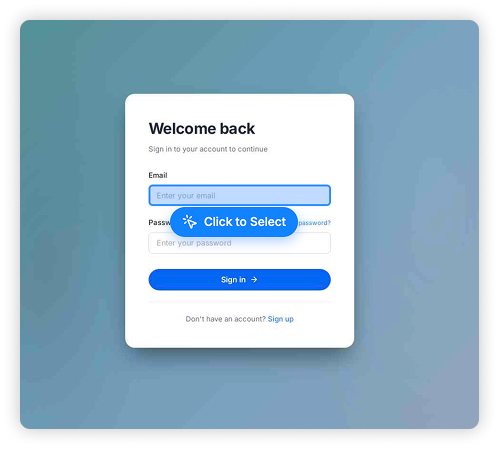
Paste the link of any website you want to monitor into the URL bar and click Go. Works with any public or authenticated page.
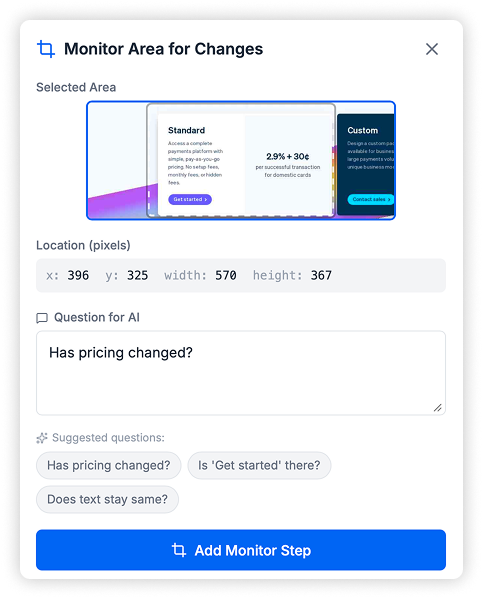
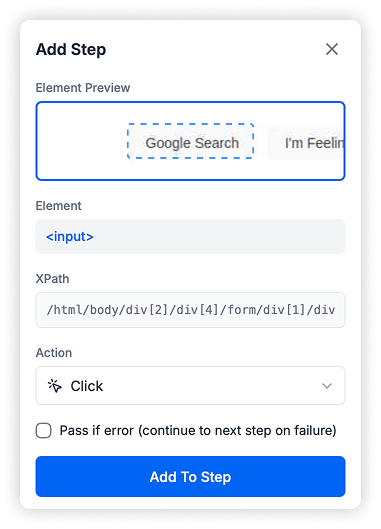
Click Select Area and drag to highlight the region you want to track. Ask an AI question like "Has the price changed?" to define your alert condition.
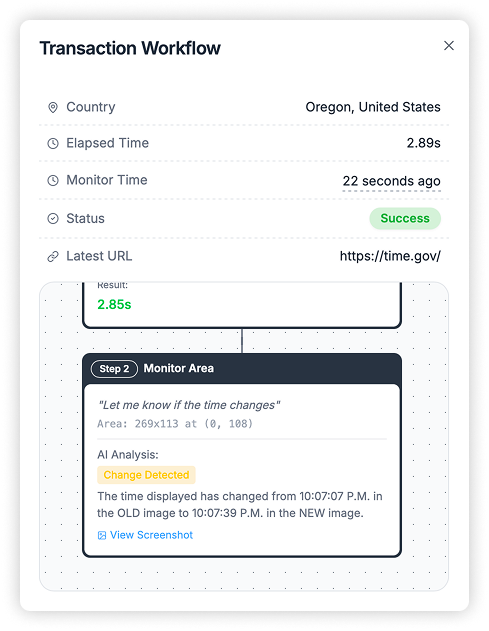
Our AI continuously monitors your selected area and sends you instant email alerts whenever it detects a change matching your condition.
Latest Insights
Website Change Detection for Investment Managers
Discover how investment managers can use website change detection to monitor portfolio companies,...
ClickHouse Slow Query Monitoring: Prevent Server Crashes
Learn why monitoring ClickHouse slow queries is critical for preventing server crashes and memory...
ClickHouse AI Monitoring: Intelligent Database Analysis
Discover how AI-powered ClickHouse monitoring analyzes your database health, identifies slow quer...
Plans and Pricing
Flexible plans for every need with 14 days free trial on all plans
Perfect for getting started with reliable uptime monitoring and alerts
Ideal for growing teams that need more checks and flexibility
For teams that need comprehensive monitoring at scale
No credit card required for free trial
Get notified when new features launch
Subscribe to our newsletter and be among the first to hear about new features and updates.
Be the first to know when there is a problem with your website. Get started with 50 free checks.